Find the perfect app to start running with confidence and stay motivated
Starting to run can feel overwhelming—especially when you’re just beginning and unsure where to start. The good news? In 2025, there are dozens of apps designed to help beginners run smarter, safer, and stay consistent, whether you’re prepping for your first 5K or just looking to get off the couch.
We’ve tested and compared the best beginner running apps based on ease of use, progressive training plans, voice coaching, and integration with wearables.
Top 5 Beginner-Friendly Running Apps (2025)
| App | Best For | Free Plan | Wearable Support | Audio Coaching |
|---|---|---|---|---|
| Nike Run Club | Overall experience | Apple, Garmin | ||
| Couch to 5K (C25K) | Structured plans | Limited | Most phones | |
| Strava | Motivation & community | All major brands | (limited) | |
| Zombies, Run! | Entertainment while running | Apple/Android | ||
| Runkeeper | Goal tracking | Apple, Fitbit |
1. Nike Run Club
Best all-around for beginners
Nike Run Club offers a sleek, beginner-friendly interface with guided runs by real coaches and athletes. It includes motivational audio, pace tracking, and syncs seamlessly with Apple Watch, Garmin, and Android wearables.
Pros:
Professionally guided runs
Great audio coaching
Excellent motivational content
100% free
Cons:
Limited personalized plan features
2. Couch to 5K by Zen Labs
Best structured “from zero” program
C25K is designed specifically for people who are starting from scratch. The 8-week plan guides you from walking to running 5K through easy 30-minute sessions.
Pros:
Clear progression
Simple interface
Encouraging milestones
Cons:
Limited tracking features
Some features are paid-only
3. Strava
Best for motivation & social features
Strava is ideal for beginners who find motivation in community, badges, and progress tracking. While its advanced features shine for pros, the free tier is great for logging and sharing your runs.
Pros:
Massive social community
Easy logging and GPS tracking
Connects to nearly every wearable
Cons:
Voice guidance is limited
Advanced training requires paid plan
4. Zombies, Run!
Best for storytelling and immersion
If you’re someone who needs extra motivation to keep going, Zombies, Run! transforms your jog into a survival story. Great for solo runners who enjoy gamification.
Pros:
Highly entertaining
Progressive missions and stories
Motivates without focusing on metrics
Cons:
Less structured training
Requires headphones
5. Runkeeper by ASICS
Best for long-term progress tracking
Runkeeper balances simplicity and goal-oriented planning. It’s easy to use for beginners but scales well as you improve. There are audio cues, reminders, and goal tracking tools built-in.
Pros:
Adaptable to any level
Audio feedback and reminders
Compatible with most wearables
Cons:
Some plans require premium version
How to Choose the Right App as a Beginner
Consider the following when choosing your running app:
- Do you want a fixed plan (like C25K) or flexibility (like Strava)?
- Do you run with a smartwatch? Choose an app with good sync support.
- Do you want coaching or entertainment? NRC and Zombies, Run! offer very different vibes.
- Do you need motivation from community? Strava is unmatched there.
Editor’s Pick (2025)
Nike Run Club remains the most complete and accessible app for most beginners in 2025.
Whether you’re looking for structure, motivation, or simply a clean and supportive running experience—it’s hard to go wrong with NRC.
Bonus Tip: Pair Your App with the Right Wearable
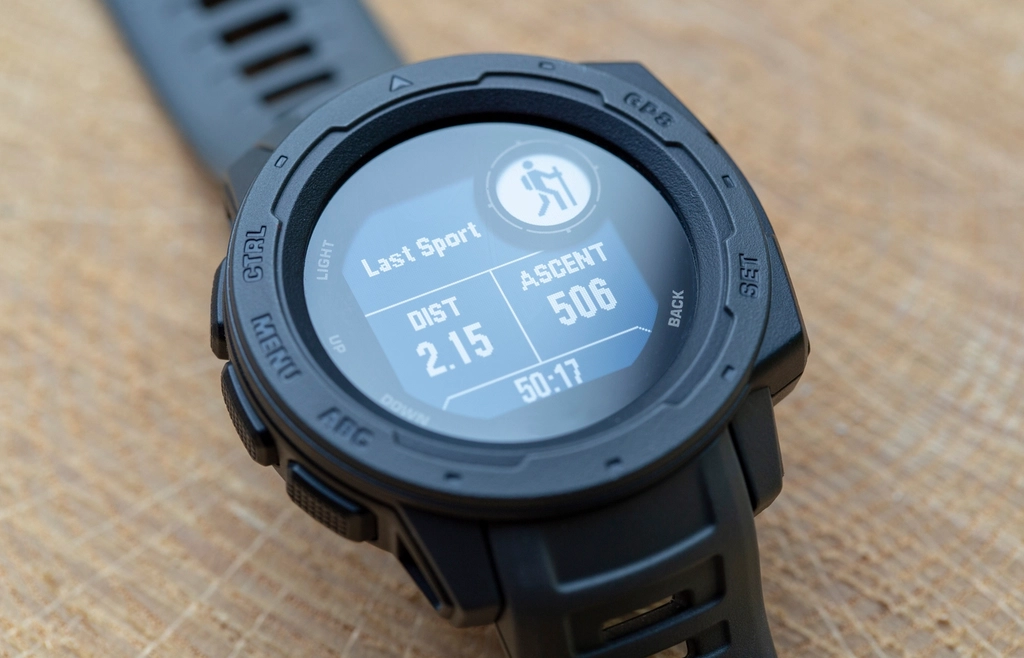
If you’re serious about tracking your progress, pair your app with a fitness watch or band. Many apps integrate with:
- Apple Watch
- Garmin Forerunner
- Fitbit Charge & Versa
- Samsung Galaxy Watch
Coming soon: Best Smartwatches for Beginner Runners
Pairing Your App With Outdoor Motivation
Using a running app indoors is great — but taking it outside is where the real transformation begins.
Nature provides what no screen can:
- Fresh air that energizes
- Changing scenery that stimulates the brain
- A deeper sense of progress and grounding
For ideas on where to go and how to combine running with simple outdoor activities, check out this guide to easy hikes and nature walks for beginners on LetsGoPlayOutside.com.
Pro Tips for Getting Started
- Start with 2–3 sessions per week
- Don’t be afraid to repeat a week or slow down
- Track your mood and energy, not just your pace
- Celebrate every win — even 10 minutes of moving
Beginner mistakes an app cannot fix (but can flag)
The apps above handle structure and motivation, but three habits derail more first-time runners than any software problem. The first is running every session too fast. If every run in your history shows the same pace, you are racing your app. Slow the easy runs until you can hold a conversation; most beginner plans expect that to be 60 to 90 seconds per kilometre slower than your best effort. The second is skipping the walk breaks because they feel like cheating. They are the training. The third is adding distance and speed in the same week; a plan that increases weekly distance by more than about 10 percent is where shin and knee complaints begin.
Use the app as an early warning system. A resting heart rate that climbs 5 to 7 beats above your normal for two or three mornings, a pace that keeps drifting slower at the same effort, or two skipped sessions in a row are all signals to repeat a week rather than push through it.
When to switch apps, and how to take your data with you
Most beginners outgrow their first app after two or three months, usually because they want more structure, more social features or a proper training calendar. Switching is fine, but do it deliberately. Export your history first: nearly every app on this list lets you download individual runs as GPX or TCX files, and Strava, Runkeeper and Garmin Connect accept bulk imports of those files. Do this before you cancel a subscription, since some apps restrict export on free accounts once premium lapses.
- Keep one app as the system of record and let the others read from it; two apps both writing GPS runs to Apple Health or Google Fit will double your totals.
- Move during an easy week, not mid-plan, so a missed sync does not break a progression.
- Re-enter your settings (units, privacy zone, audio cue interval) on day one of the new app; they never transfer.
Conclusion
Running apps in 2025 are more beginner-friendly than ever. Whether you prefer guided sessions, game-like runs, or social encouragement, there’s an app that fits your needs—and most are free to try. Download one, lace up, and take your first step.